
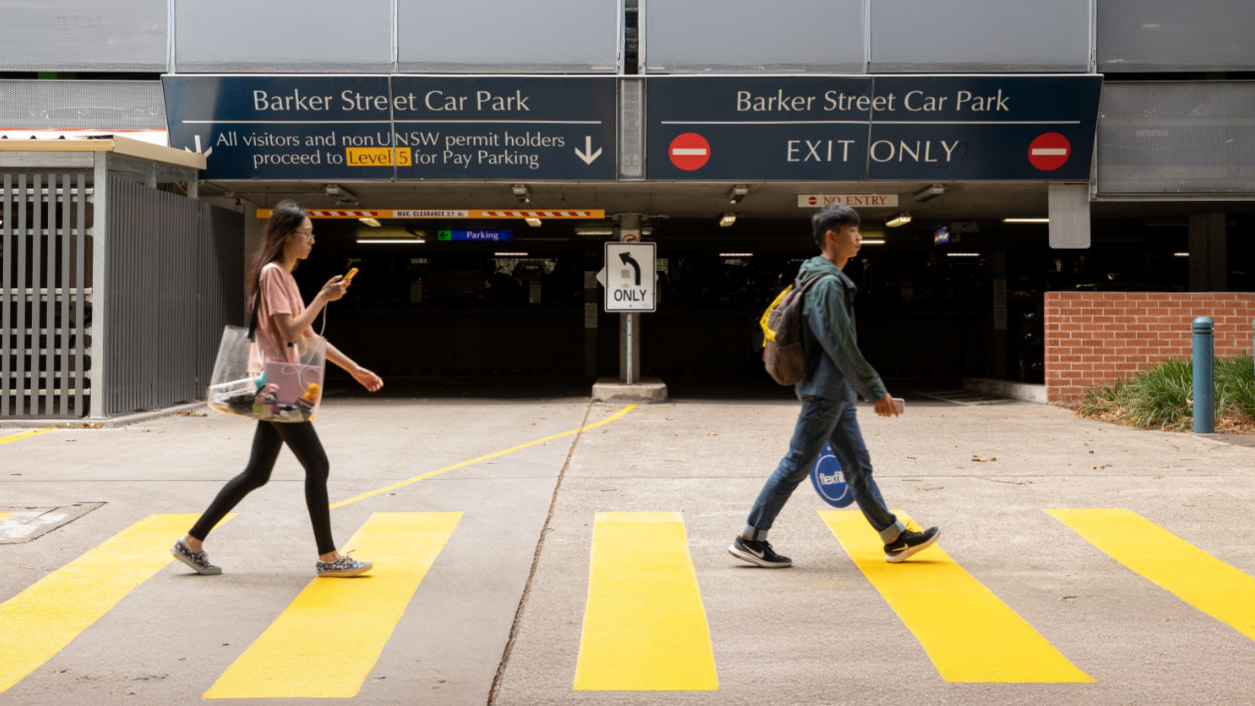
A quick check in the CellOPark app could help you avoid an unexpected parking charge.
You are encouraged to review your parking zone selection and recent parking statements following updates to the app.
In April, CellOPark updated the order of parking zones within the app to make it easier to find and reduce accidental selections. While the change was designed to improve the user experience, some staff have unintentionally selected a different zone when starting a session.
Three quick checks when you park
To avoid incorrect charges in the future:
- confirm you have selected Staff Zone 2052033 before starting your session
- review the confirmation screen after parking
- save Staff Zone 2052033 as a favourite by selecting the star icon next to the zone.
Once saved, the zone will appear in your favourites list, making it quicker and easier to select the correct zone each time you park on campus.
Have you checked your recent parking statements?
If you used CellOPark from April to June 2026, it’s worth taking a moment to review your parking statements.
Some staff have accidentally selected Reserve Zone 2052099 instead of Staff Zone 2052033, which can result in a higher parking charge.
If you believe you have been charged incorrectly, please contact the Parking Team at: parking@unsw.edu.au.
Need more information? Visit the UNSW Parking webpage for details on parking options, rates, permits and how to use CellOPark on campus.
- Log in to post comments